Choosing school management software is a decision you'll live with for years. Switching later means moving records, retraining staff and explaining a new app to parents. Demos all look good, so the best way to compare systems is to ask the same hard questions of each one.
Here are twelve questions for school owners, principals and bursars, and what a good answer sounds like.
Teaching and results
1. Is it built for how Nigerian schools grade?
Ask to see your own setup: JSS 1 to SS 3 with arms, three terms, your CA and exam split, positions, grade remarks and Nigerian-style report cards. For universities: 100 to 600 Level, semesters, course units and the 5-point CGPA. If everything needs "custom development", that's a warning sign.
2. Does it cover the whole school year, or just one part?
Many tools only do one thing: results, or fees, or lessons. Every extra tool means typing the same students twice. A good system connects lessons → tests → gradebook → report cards → fees, so a CBT score becomes a CA, becomes a report card, without copying.
3. How are report cards produced, and can they be verified?
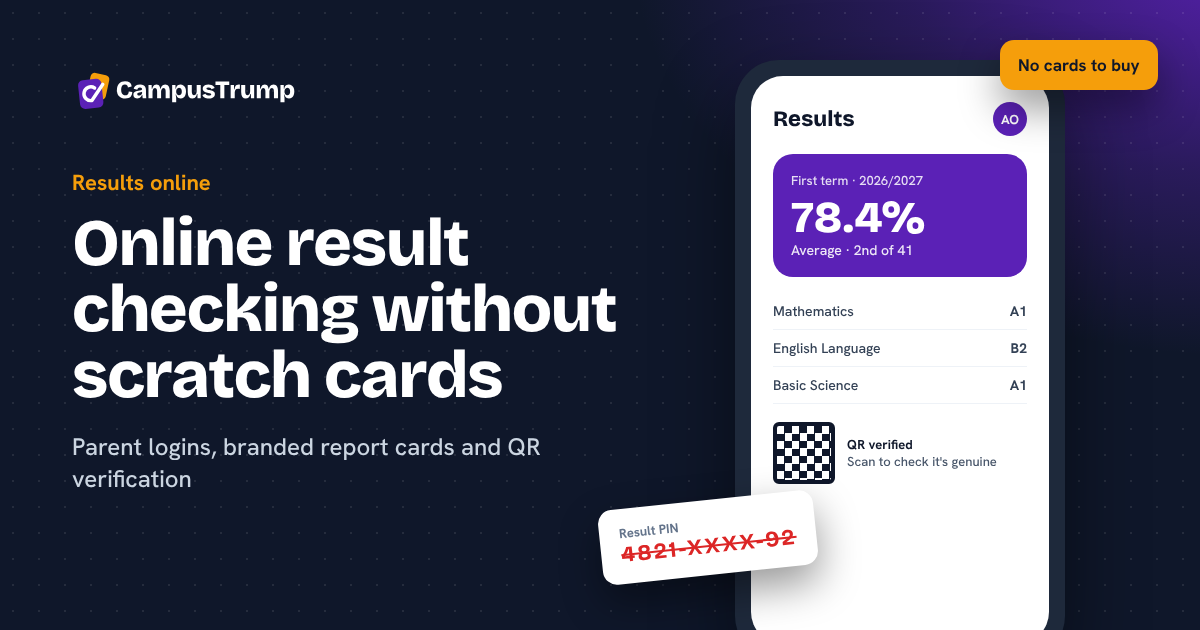
Ask the vendor to generate a report card live. It should carry your crest and colours and the principal's signature, compute totals and positions correctly, and have a QR code that proves it's genuine. Also ask whether you can hold results until fees are paid.
4. What happens when the network is bad?
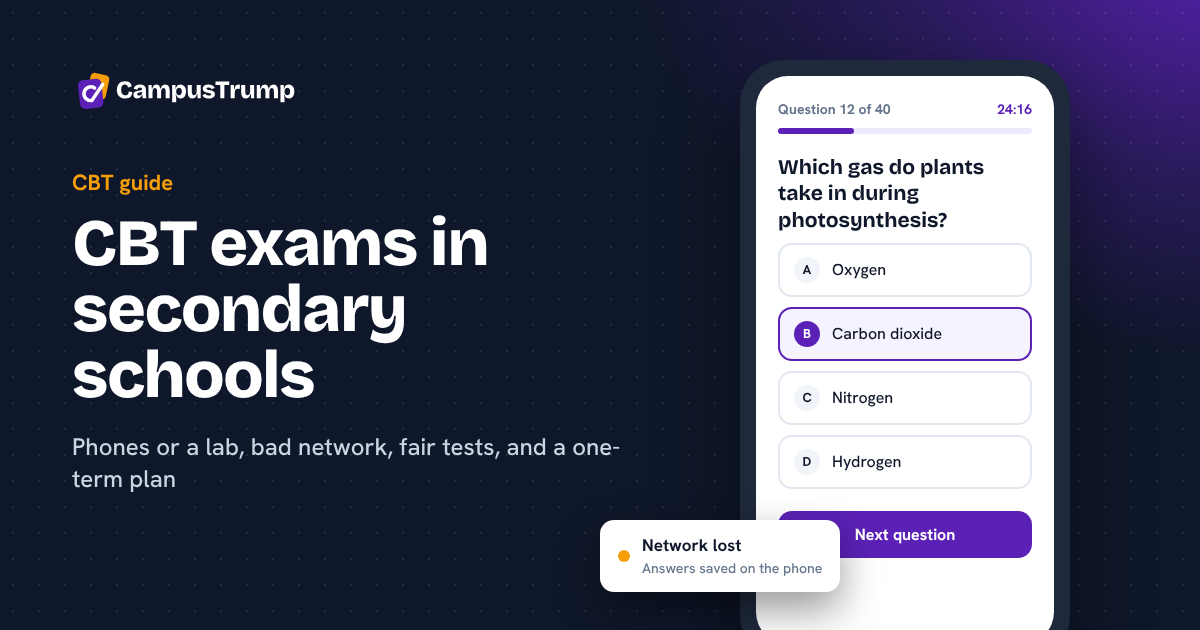
Ask them to start a CBT test, turn off the internet mid-test, then reconnect. Answers should survive. Ask whether students can save lessons to study without data.
Parents and fees
5. Is there a mobile app for parents and students, in your school's name?
Parents will judge the system by the app. Check that it shows results, fees and school notices, that one parent can switch between several children, and that it carries your school's name and colours rather than the vendor's brand.
6. Where does fee money go?
This one matters. Payments should go straight into your school's own account, not sit with the software company. Ask how parents can pay (transfer, card, cash at the bursary), whether transfers are matched to the right student automatically, and whether receipts are sent without the bursar typing them.
Data, security and control
7. How is your school's data kept separate and safe?
Most school software is shared by many schools. Ask how they make sure one school can never see another school's students, results or payments, and who on their team can see your data.
8. Who owns the data, and can you take it with you?
Your records are yours. Ask how you can export students, results and payments if you ever leave.
9. Can you control who sees what?
A teacher shouldn't see fee balances; a bursar doesn't need to edit scores. Check that roles (admin, teacher, class teacher, results office, bursar) can be set up to match your school.
Cost and getting started
10. What will it really cost each term?
Ask for the full price for your number of students, and what is extra: SMS, the mobile app, report card printing, setup or training. Pricing per active student is easy to budget because it grows with your school and you don't pay for empty seats.
11. How long does setup take, and who moves your records?
A good answer is days, not months. Look for a setup wizard that builds your classes and subjects, spreadsheet upload for students, and an offer to import your existing files for you.
12. Can you see it with your own school first?
Ask for a demo set up with your school's name, colours and classes. It shows you how it will look to your staff and parents, and it shows how quickly the vendor can actually set things up.
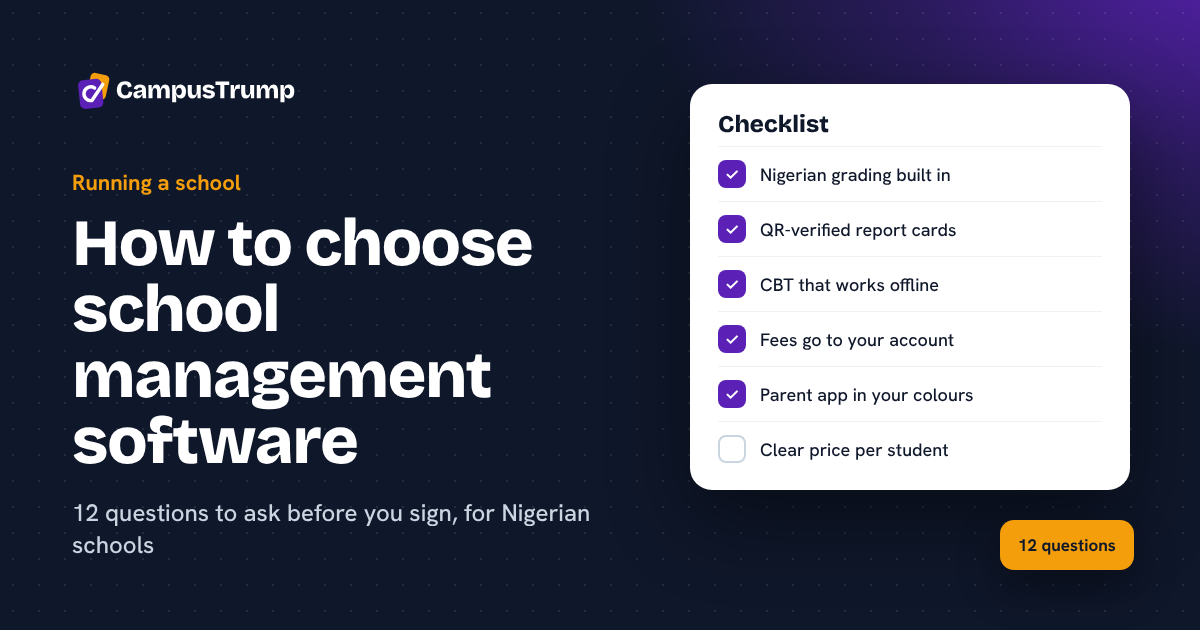
A quick comparison checklist
Question | What to look for |
|---|---|
Nigerian grading | JSS/SSS or 100–600 Level ready, your CA split, positions |
Whole year | Lessons, CBT, gradebook, report cards and fees connected |
Report cards | Branded PDF, QR verification, hold for unpaid fees |
Bad network | CBT survives drops; offline lessons |
Parent app | Your name and colours; results, fees, notices |
Fee money | Goes straight to the school's account |
Data | Separate per school, exportable, role-based access |
Price | Clear per-student price, no surprise extras |
Setup | Days, with help importing records |
Red flags
The vendor collects fee payments into its own account and pays the school later.
Results still need scratch cards or PINs.
No way to export your data.
Every school-specific need is "coming in the next version".
See CampusTrump against this checklist
CampusTrump was built to answer these questions well: Nigerian and Philippine grading out of the box, lessons and offline-resilient CBT, one-click QR-verified report cards, fees that go straight to your account, and a mobile app in your school's colours, priced per active student. Book a free demo and we'll set it up with your school's own name and classes.